
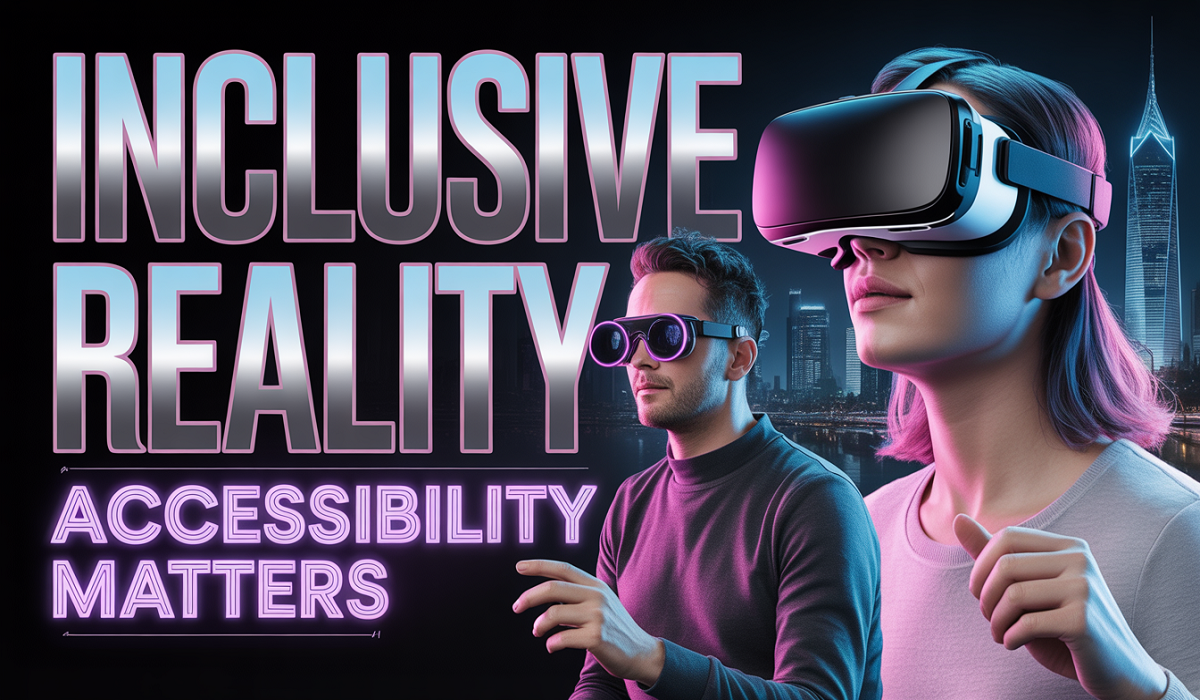
Accessibility Standards for AR and VR Content
Accessibility Standards for AR and VR Content: Imagine stepping into a virtual classroom or exploring a far-away city through your glasses or headset. Augmented reality (AR) adds digital objects to the real world, like showing directions right on the street.
Virtual reality (VR) takes you completely into a new place. Both are super cool in 2026, but only if everyone can use them safely and easily. That is where accessibility standards ar – vr content 2026 come in. These rules help make sure people with different abilities – like seeing, hearing, moving, or thinking – can join the fun too.
In this long guide, we will walk through everything step by step using simple words. No hard tech talk. Just clear ideas, real examples, and helpful tips you can use right away. By the end, you will know exactly why these standards matter and how to follow them.
What Are AR and VR Anyway?
Let’s start with the basics. AR means augmented reality. You wear special glasses or use your phone camera, and digital stuff pops up on top of what you really see. Think Pokémon Go but way better in 2026 – maybe a virtual tour guide walking beside you on the sidewalk.
VR is virtual reality. You put on a headset and the whole world around you changes. You can fly through space or walk in an ancient forest without leaving your couch.
Both use head tracking, hand movements, and sounds to feel real. But if the controls are too fast or the text is too small, some people feel sick or get stuck. That is why good design matters. Accessibility standards ar – vr content 2026 fix exactly those problems so the magic works for every body and every brain.
Why Accessibility Matters So Much in 2026?
More people than ever use AR and VR now. Schools teach with them. Doctors practice surgeries. Friends hang out in virtual parks. But without good rules, millions get left behind.
Think about your friend who wears glasses or uses a wheelchair. Or someone who gets dizzy from quick movements. Or a person who needs captions because they cannot hear well. If the app does not have options for them, they miss out.
In 2026, new laws and guidelines make accessibility a must. Big groups like the World Wide Web Consortium (W3C) and the XR Association created clear lists of what works. Companies like Meta already added seated modes and captions in their apps. Following accessibility standards ar – vr content 2026 is not just nice – it opens doors for everyone and even helps businesses reach more customers.
How Accessibility Rules Grew Up to 2026?
Years ago, rules mostly covered regular websites. Then phones came, and rules got updated. Now, with headsets everywhere, the rules grew again.
The big change in 2026? Public places like schools and government apps must follow strong guidelines. The main one people use is called WCAG 2.1 Level AA. It covers colors, text size, and buttons. But for AR and VR, extra help comes from the XR Accessibility User Requirements document.
This guide from the W3C lists what real people with disabilities need. It talks about letting users sit down, change controls, and get text for sounds. The XR Association also gave developers a new chapter full of ideas. All these pieces together make up the accessibility standards ar – vr content 2026 we use today.
The Four Big Ideas: Perceivable, Operable, Understandable, Robust
All good accessibility rules follow four easy words that start with P, O, U, and R. Creators call them POUR. Here is what each means for AR and VR in simple terms.
Perceivable – Can you see or hear the important stuff? In VR, text must be big enough and not too far away. Colors need strong contrast so people with color blindness can tell buttons apart. Sounds should have captions or vibrations. AR glasses must let real-world objects stay clear while digital ones pop nicely.
Operable – Can you use the controls no matter how you move? Some people cannot wave their arms fast. So apps now let you sit down, use voice, or one hand only. Buttons must be easy to reach in virtual space – think of them like shelves you can pull closer. No forced running or jumping.
Understandable – Does everything make sense? Menus should use plain words. Directions must repeat if needed. Alerts should not surprise you with loud noises or flashes. You can turn on help symbols or slow down the story.
Robust – Will it work with future tools? The app should connect nicely to screen readers, braille devices, or extra controllers. It must stay usable even when new headsets come out.
These four ideas are the heart of accessibility standards ar – vr content 2026. Follow them and your project feels welcoming instead of frustrating.
Easy Ways to Make AR Content Accessible
AR is different because it mixes real life with digital. Here are simple steps creators use in 2026.
- First, keep text readable. Make labels big and high-contrast even in bright sunlight. Add audio descriptions for what the virtual object does.
- Second, offer choices for movement. Some users cannot walk around. Let them point with a finger or use voice to place objects.
- Third, add haptics – gentle vibrations in your phone or glasses that tell you when something important happens. Great for people who cannot see well.
- Fourth, test in real places. Take the app outside and check if the digital layers block traffic signs or confuse people.
- One cool trick: let users adjust how much digital stuff shows. Someone who gets overwhelmed can turn down extra effects.
Special Tips Just for VR Content
VR feels stronger because you are “inside” it. That is why comfort comes first.
Most VR apps in 2026 now have a seated mode right from the start. You stay in your chair and everything comes to you. No more standing and falling over!
Reduce motion sickness with these easy fixes:
- Slow down camera turns
- Offer teleport instead of walking
- Let users fade the world darker when they feel dizzy
Captions must float nicely in space but never cover important things. Users can move and resize them. Voice commands help when hands are busy.
Menus should come close to your eyes when you need them – like “near mode” in popular apps. Color tools fix brightness for different lighting.
These small changes follow accessibility standards ar – vr content 2026 and make VR feel safe and fun for everyone.
Tools That Help Creators Check Their Work
You do not need to guess if your app is good. Free and paid tools exist in 2026.
- Built-in testers inside Unity or Unreal Engine now flag accessibility problems automatically.
- Screen reader simulators show what a blind user hears.
- Motion sickness checkers measure how fast the scene moves.
- Color contrast pickers work in 3D space.
- User testing apps let real people with disabilities try your project and give feedback.
The XR Association guide even lists free checklists. Start with those and your project will meet accessibility standards ar – vr content 2026 without extra cost.
Real Examples That Show It Works
Look at Meta Horizon Worlds. By 2026 they added automatic captions with names of who is talking. Seated mode is everywhere. You can pull objects closer without standing. Voice phrases help people who cannot type fast.
Schools use AR for history lessons. Students point at a virtual dinosaur and hear its story in plain words or feel vibrations. Everyone learns together.
Doctors practice with VR. The controls work with one hand or voice so people with limited movement can train too.
These examples prove that when you follow the rules, more people smile and say “I can do this!”
Benefits for Users and for Creators
Users win first. They feel included, safe, and excited. Kids with autism enjoy calm settings. Older adults stay active in virtual walks without falling. Friends who live far apart chat easily with captions.
Creators win too. More people buy or use the app. Schools and companies choose accessible projects because they meet laws. Plus, happy users leave better reviews and come back often.
Studies show accessible apps get more downloads. It is just smart business.
Common Problems and Simple Fixes
- Problem: Fast spinning worlds make people sick. Fix: Add a comfort menu with slow, medium, or no spin options.
- Problem: Tiny text in the distance. Fix: Make all text follow the user and grow bigger when needed.
- Problem: Only two-hand controls. Fix: Allow voice, eye tracking, or one-hand mode.
- Problem: No captions in group chats. Fix: Turn on auto-captions that users can resize.
Every problem has an easy fix if you plan early. That is the beauty of accessibility standards ar – vr content 2026.
What Comes Next After 2026?
The rules will keep growing. New headsets will have built-in eye tracking and better haptics. WCAG 3.0 is already testing ideas for full immersive worlds.
Creators will add smell and touch feedback with safe options. Laws may cover more private apps too. The goal stays the same: make sure no one misses the adventure.
FAQs About Accessibility Standards for AR and VR
1. Do I need special equipment to follow these rules?
No! Most changes use free settings inside popular tools like Unity. Start small with captions and seated mode.
2. Are these rules only for big companies?
Nope. Anyone making an app or game should use them. Small creators often make the most creative accessible ideas.
3. What if someone still has trouble?
Offer a simple contact button for help. Good apps always have a way to ask for extra support.
4. Will following the rules make my project slower or uglier?
Actually the opposite! Clean design and clear options make everything look better and run smoother for all users.
5. Where can I learn more right now?
Check the free XR Association guide or W3C requirements online. Many YouTube videos show easy steps too.
Summary
Accessibility standards ar – vr content 2026 are not hard rules that stop creativity. They are friendly guides that open the door wider so every person can step into amazing digital worlds. Whether you make apps, teach classes, or just use headsets for fun, these ideas help everyone feel welcome, safe, and excited.
Start today with one small change – add captions or a seated option. Watch how many more smiles you get. The future of AR and VR is inclusive, and 2026 is the perfect year to join it.
By following these simple steps and big ideas, we create experiences that truly belong to all of us. Ready to build your own accessible world? The tools and knowledge are here – go make something wonderful!